Explore our products and upgrade your drive

FREE Shipping for all orders over $60
SmartAdditions products are one-of-a-kind — and that means setup might look a little different than what you're used to.
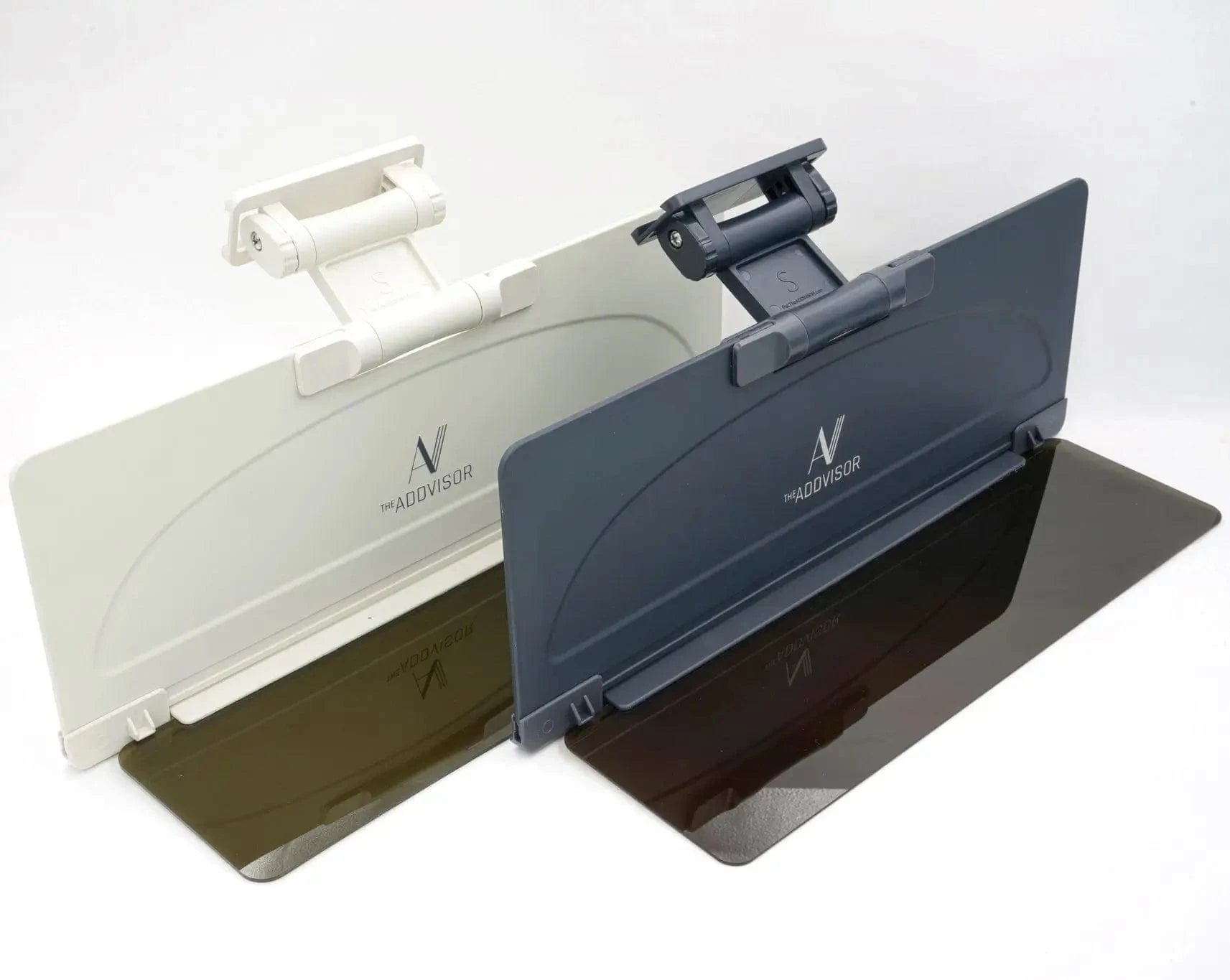
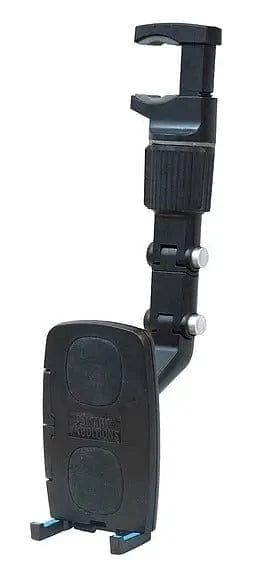
Whether you're installing The ADDVISOR Plus or Shade for Two-Direction Sun Protection™, or setting up your LOUNGE-IT magnetic or LOUNGE-IT2 gravity car phone holder, these step-by-step instructions will walk you through everything you need to know.
Follow the guide for your product below and enjoy a smarter, more comfortable drive.


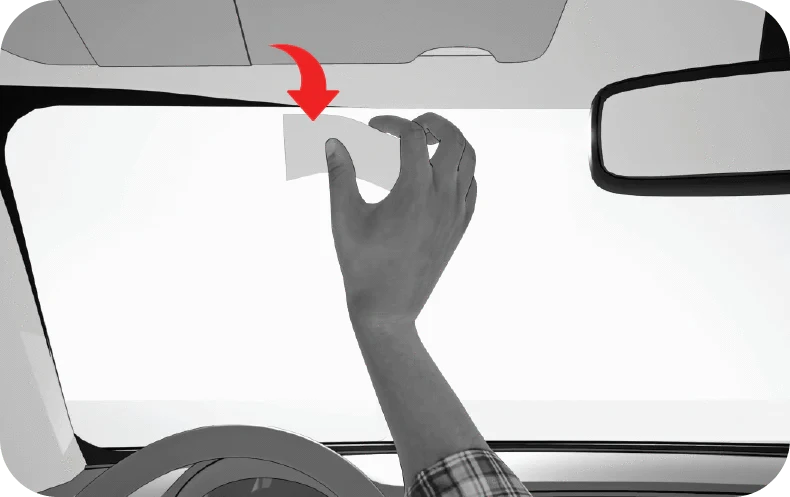
1. Clean with alcohol pad
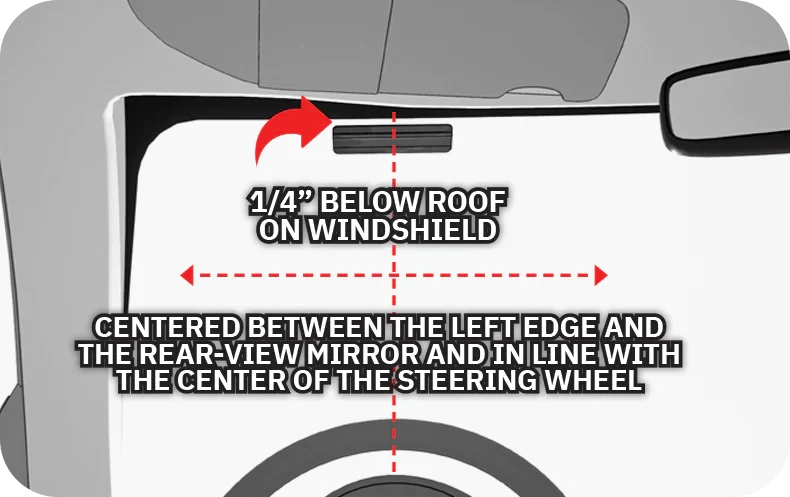
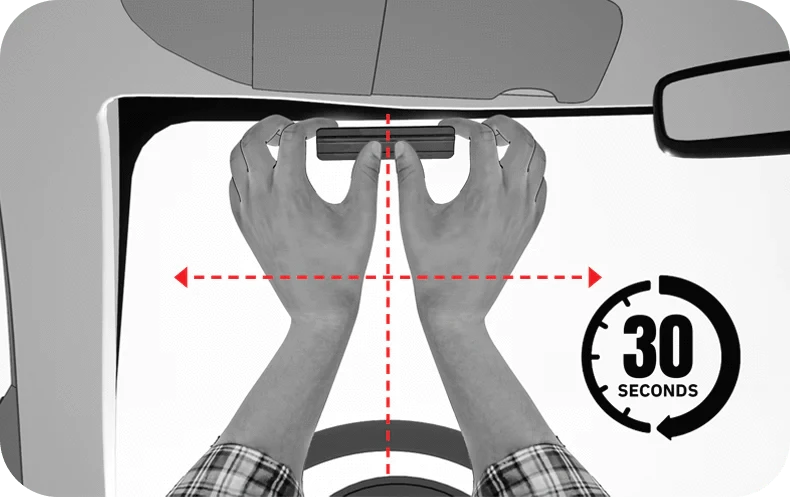
2. Mounting location on windshield
3. Peel rail backing
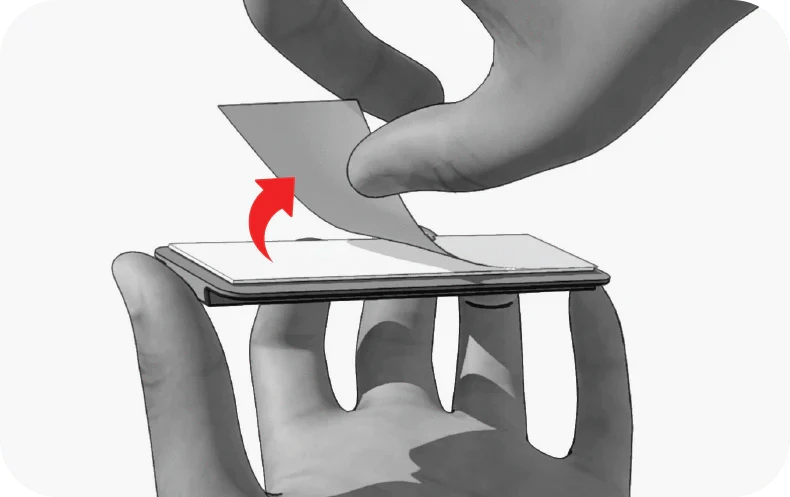
4. Position as shown in (2)
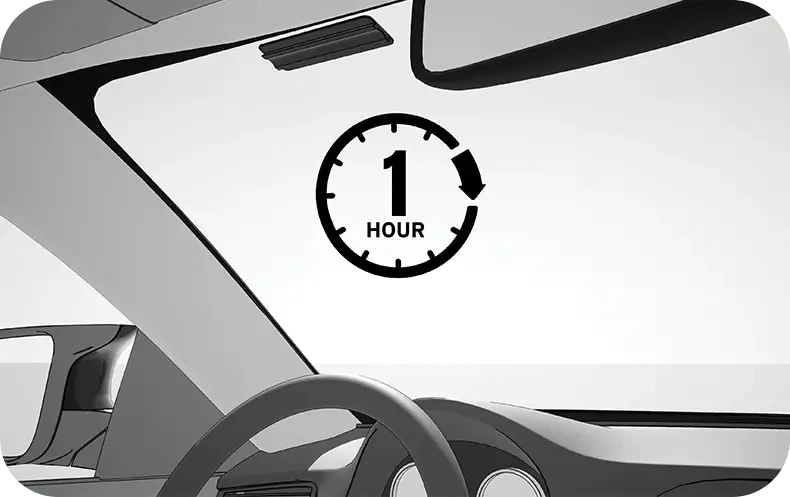
5. Let it set at LEAST 1 hour
Positions most like the car visor
1. ADDVISOR facing this way
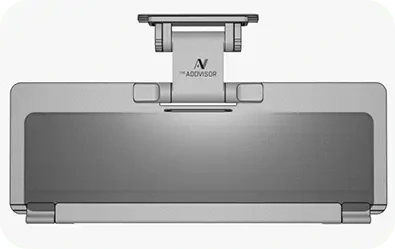
2. Twist both cam locks open
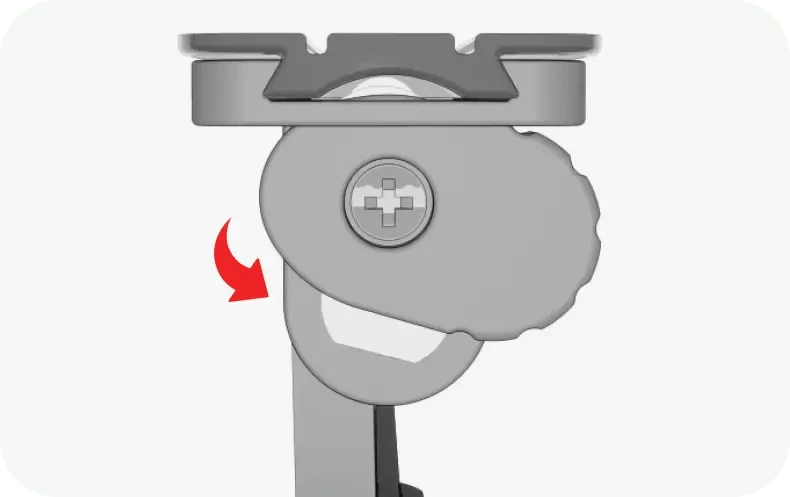
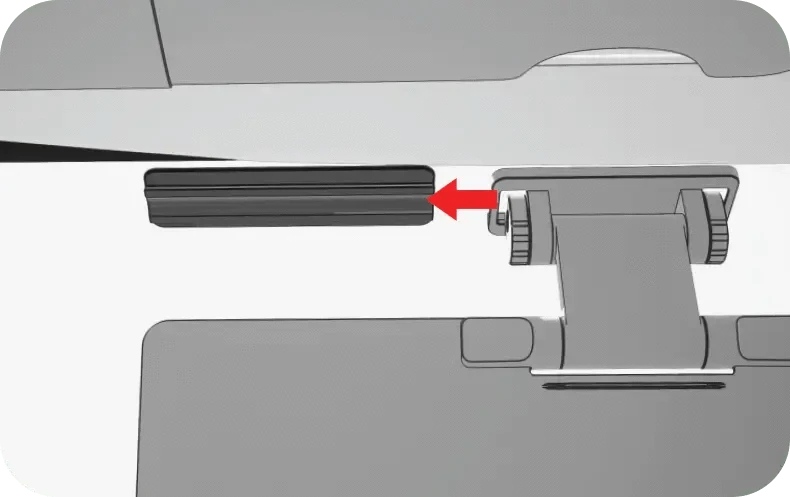
3. Slide onto rail
4. Twist both cam locks closed
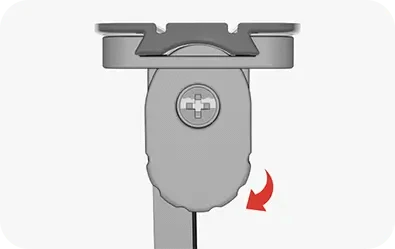
5. Stowed position

The ADDVISOR should be stowed when the vehicle is parked.
1. Fold to visor position
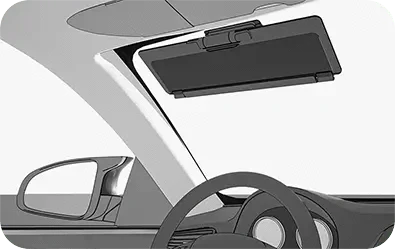
2. Hinge fold detail (see previous image)
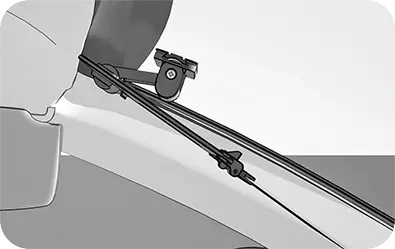
3. Move car visor to the side for 2DSP
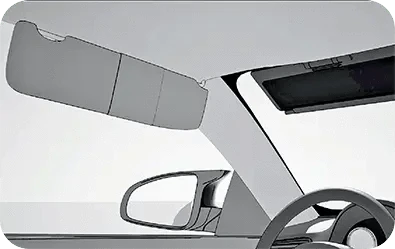
4. Flip TintedVISOR™ down for low sun
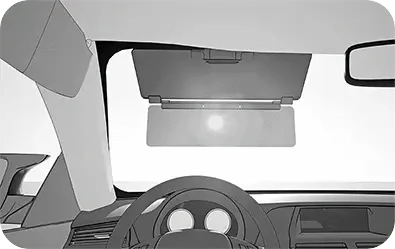
The unique 'Dual-Hinge' let's you put The ADDVISOR high, low, or virtually anywhere in between. You keep the road in view but the sun glare out for a better drive!
The Tinted Visor ONLY folds flat toward the rectangular indent on the Main Visor. Forcing the TintedVISOR™ to fold the wrong direction will irreparably break the hinges.
Good for people who wear prescription glasses
1. ADDVISOR facing this way
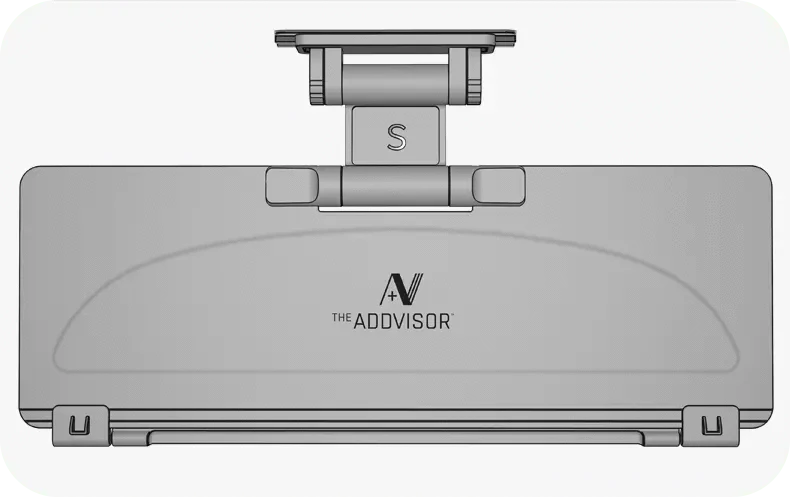
2. Twist both cam locks open
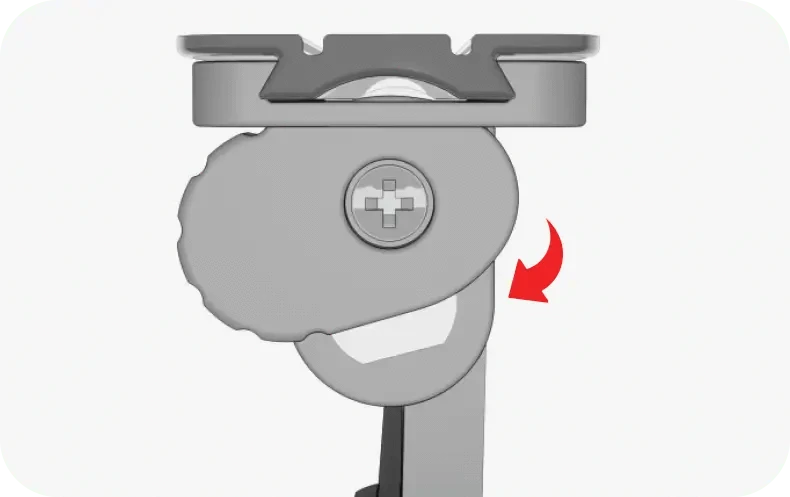
3. Slide onto rail
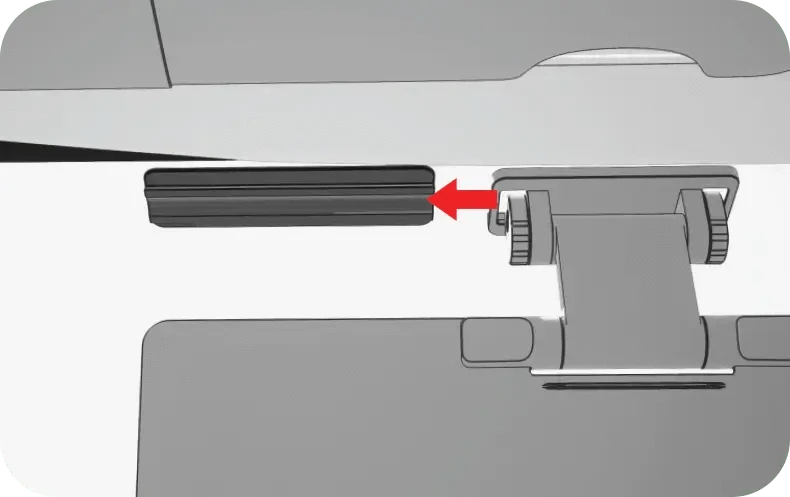
4. Twist both cam locks closed
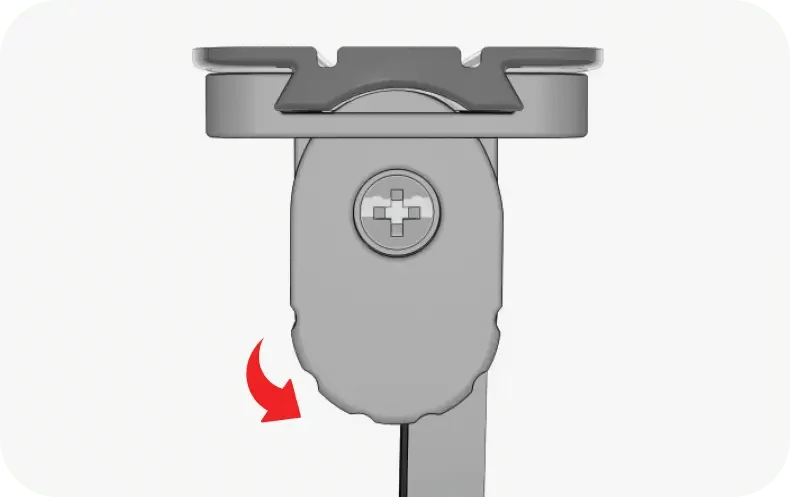
5. Stowed position
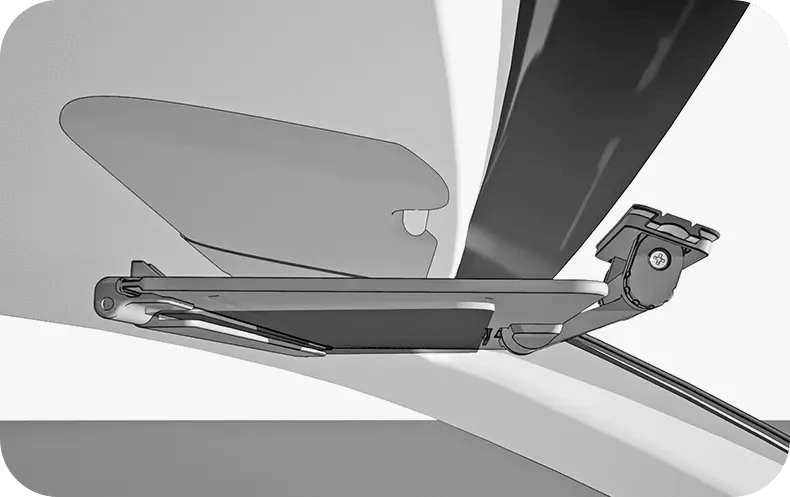
The ADDVISOR should be stowed when the vehicle is parked.
1. Flip down sunglasses
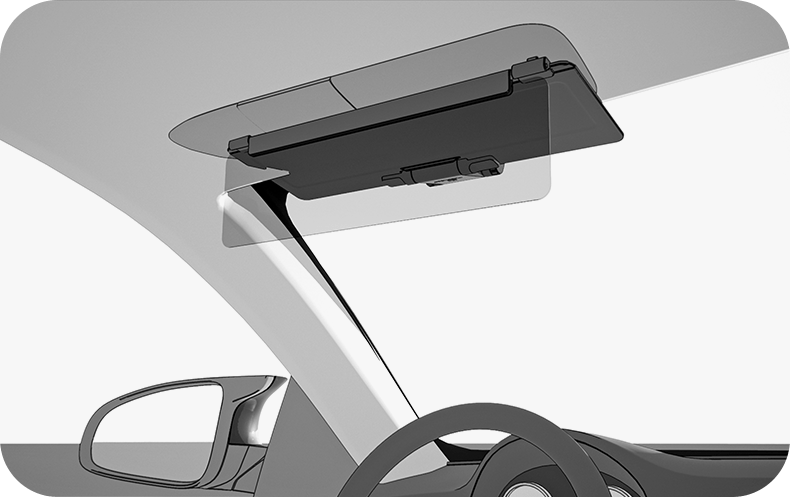
2. Move car visor to the side for 2DSP
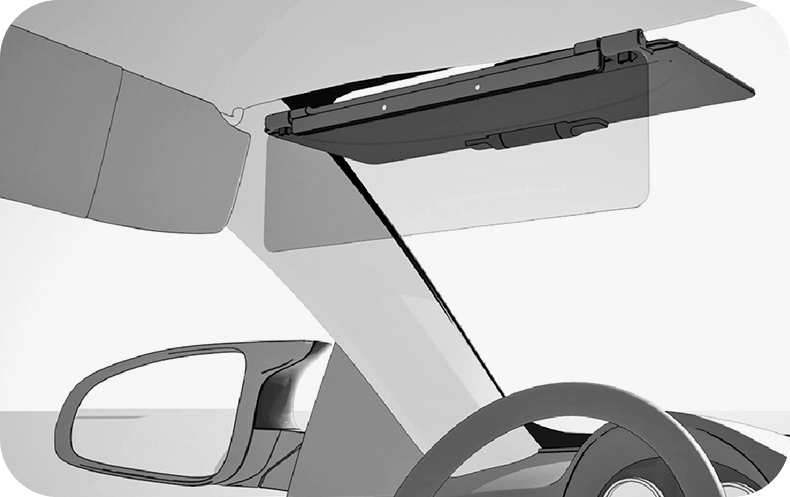
3. Pull the visor down for low sun
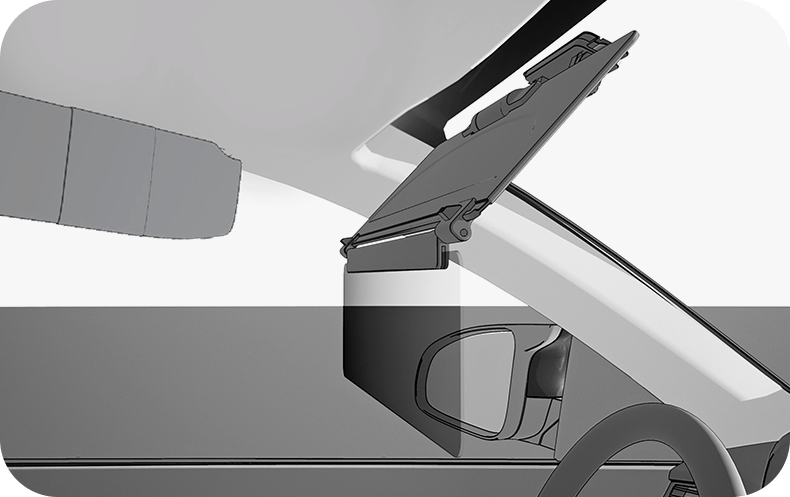
Positions most like the car visor
1. ADDVISOR facing this way

2. Twist both cam locks open
3. Slide onto rail
4. Twist both cam locks closed
5. Stowed position
The ADDVISOR should be stowed when the vehicle is parked.
1. Fold to visor position

2. Hinge fold detail (see previous image)

3. Move car visor to the side for 2DSP

The unique 'Dual-Hinge' let's you put The ADDVISOR high, low, or virtually anywhere in between. You keep the road in view but the sun glare out for a better drive!
1. Choose Mount option
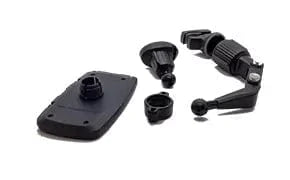
2. Slide Tightening Ring onto mount stem Threads facing towards the ball end
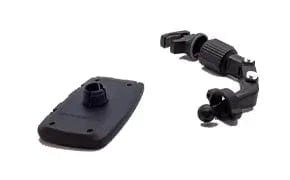
Threads facing towards the ball end
NOTE: Mirror Mount shown here, same steps for Vent Mount
3. Line up Ball end with the Socket on the Phone Cradle
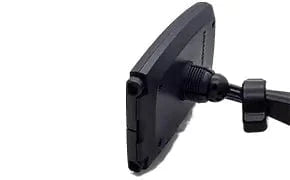
4. Press firmly until Ball snaps into the Socket
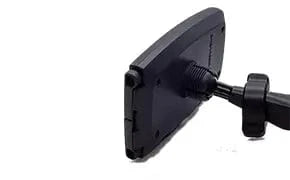
5. Thread the Tightening Ring onto the Cradle Socket
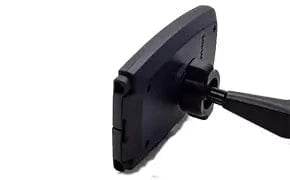
For now only tighten part way to make sure it is threaded
6. Press the Clamp Jaws together on the mirror stem
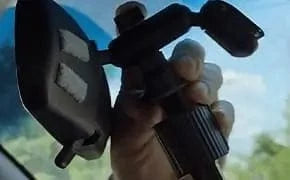
Use other hand to turn the ring counter-clockwise until the clamp jaws are secure on the mirror stem
7. Make sure the Clamp Jaws hold securley on the mirror stem
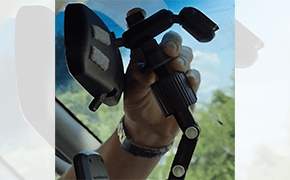
TIP: It may be easier to attach the clamp from the passenger seat for a better view of the mirror stem
8. Set Phone Cradle vertically
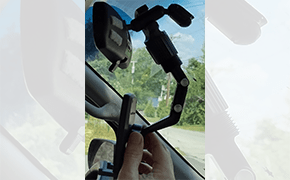
Turn Tightening Ring to lock the cradle into the desired position
9. Set Phone Cradle horizontally
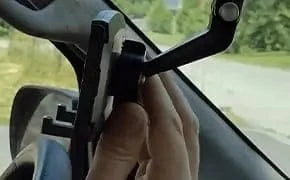
Turn Tightening Ring to lock the cradle into the desired position
1. Choose Mount option

2. Slide Tightening Ring onto mount stem Threads facing towards the ball end

NOTE: Same steps for Vent Mount
3. Line up Ball end with the Socket on the Phone Cradle

4. Press firmly until Ball snaps into the Socket

5. Thread the Tightening Ring onto the Cradle Socket

For now only tighten part way to make sure it is threaded
6. Press the Clamp Jaws together on the mirror stem

Use other hand to turn the ring counter-clockwise until the clamp jaws are secure on the mirror stem
7. Make sure the Clamp Jaws hold securley on the mirror stem

TIP: It may be easier to attach the clamp from the passenger seat for a better view of the mirror stem
8. Set Phone Cradle vertically

Turn Tightening Ring to lock the cradle